

















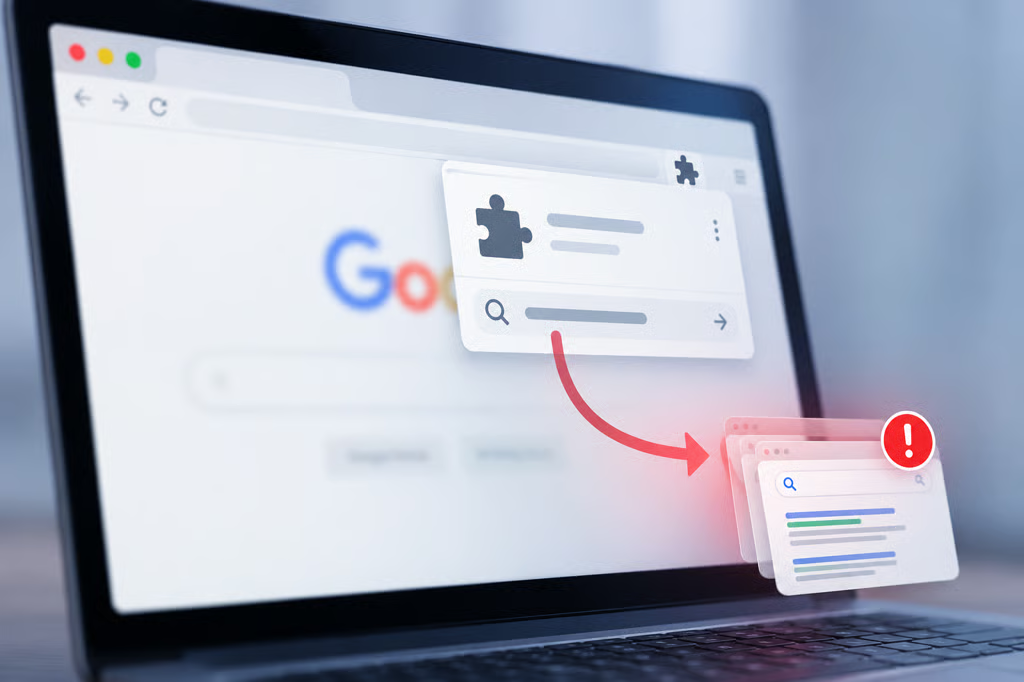
A seemingly harmless Chrome extension could be doing more than its advertised job, with researchers uncovering 319 extensions linked to 13.4 million reported installations that redirected users' searches.
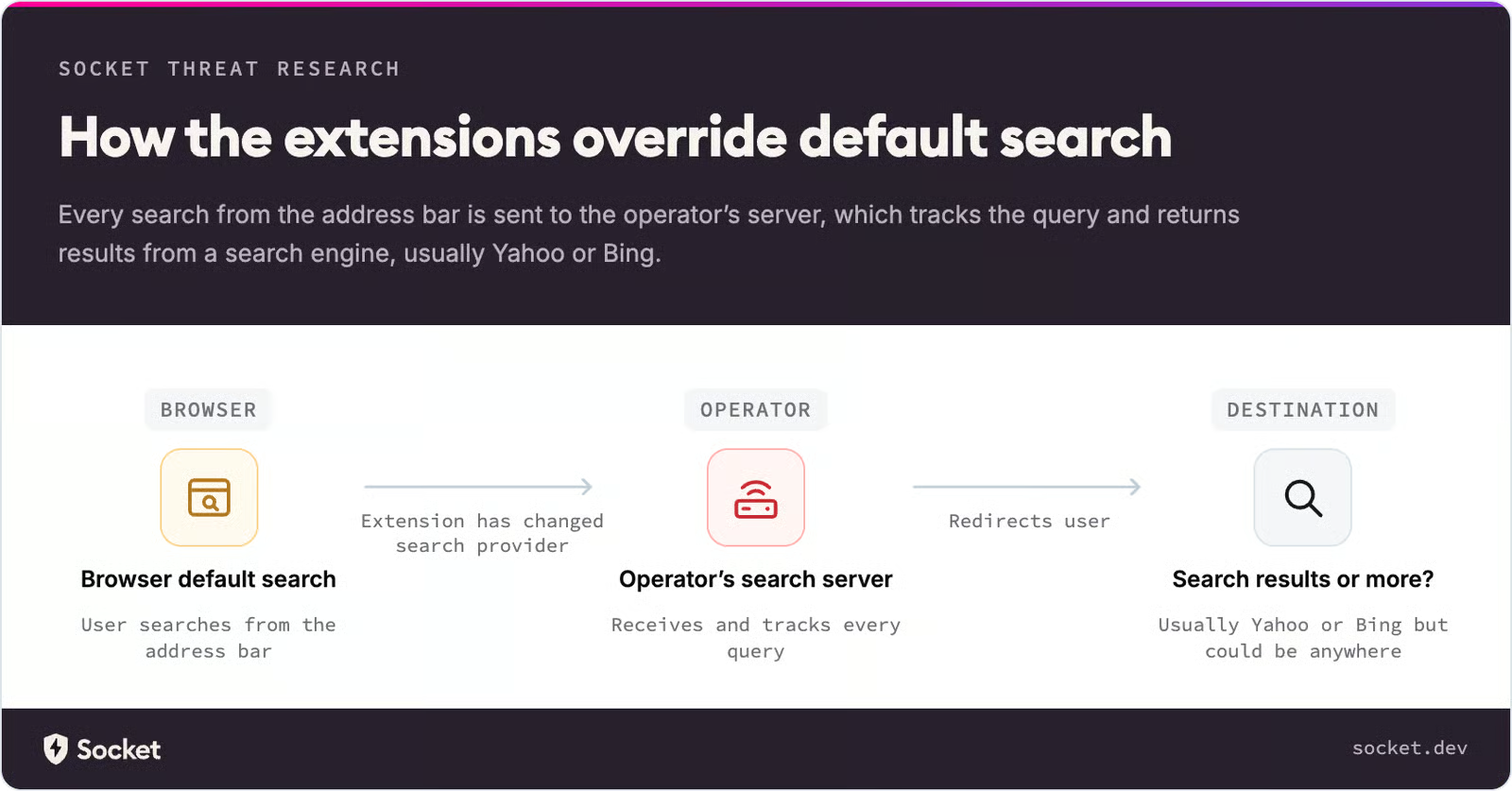
Researchers at Socket found that the extensions changed Chrome's default search settings and routed queries through servers controlled by their operators. Some contained almost no executable code, yet could still manipulate where users' searches went.
According to Socket, the operators used the redirects to monitor search activity and generate advertising referral revenue. More concerning, control over the intermediary servers could allow them to change search destinations without updating the extensions themselves, potentially exposing users to malicious websites.
How the extensions actually hijacked searches
Instead of relying on the kinds of advanced code often associated with rogue browser extensions, the extensions in this case exploited a built-in Chrome feature called chrome_settings_overrides, which lets developers modify certain browser settings, including the default search provider.
By specifying a different search endpoint through the search_provider setting in their manifest files, the extensions could direct searches to servers controlled by their operators. Some required little more than a manifest file and a few icons, without extensive background scripts or sensitive permissions.
For instance, someone may install an advertised utility extension, but the extension changes Chrome's default search provider to an endpoint controlled by its operator.
The next time that person types a query such as "best laptop for video editing" into Chrome's address bar, the browser sends it to that endpoint rather than directly to Google or their preferred search engine.
The user still gets search results, while the operator can monitor incoming queries and earn advertising referral revenue.
While this behavior is more consistent with a Potentially Unwanted Program (PUP) than malware, John Tuckner of Socket notes that the risk of malware remains. Because the operators control the intermediary server, they can redirect searches to malicious sites at any time and profit further from victims.
How the extensions got loaded onto users' devices
Although the extensions were hosted on Google's official Chrome Web Store, most were unlisted, meaning they did not appear in ordinary store searches or external search results.
Instead of relying on organic discovery, their operators promoted them through paid advertisements on websites, including campaigns distributed through Google Ads and Bidbrain. How that many rogue extensions bypassed Google's security remains unknown.
From that point, installation followed the normal Chrome Web Store process. Users could install the extensions without necessarily realizing that the advertised utility was primarily designed to change their default search provider and route their queries through third-party servers.
By keeping the listings unlisted while using advertisements to drive installations, the operators could reach users without making the extensions easily discoverable through conventional store searches.
How to check for suspicious Chrome extensions
Because most of the identified extensions are unlisted on the Chrome Web Store, finding and scrutinizing them can be difficult.
You can start by checking your installed extensions by visiting chrome://extensions, copying the ID of any unfamiliar tool, particularly PDF converters, manual finders, search utilities, and security-themed extensions, and searching for it on the Chrome Web Store.
If nothing appears, the extension may be unlisted or removed. Users should compare its ID against Socket's published list to establish whether it belongs to the identified campaign.
If you haven't installed an extension yet, especially after seeing an advertisement, it is worth verifying its identity independently. Get the extension ID and check it against the Chrome Web Store and Socket's list, rather than relying on the ad or its landing page. Those extra minutes could prevent an unwanted installation.
Anyone who discovers an identified or suspicious extension should disable and remove it, restore their preferred search engine, and scan their device with a reputable antivirus tool. They should also review other installed extensions and unusual redirects.
Other news: The University of Copenhagen has disclosed a cyberattack that exposed personal information belonging to approximately 525,000 people, along with access-card PINs for 20,000 students and employees.