

















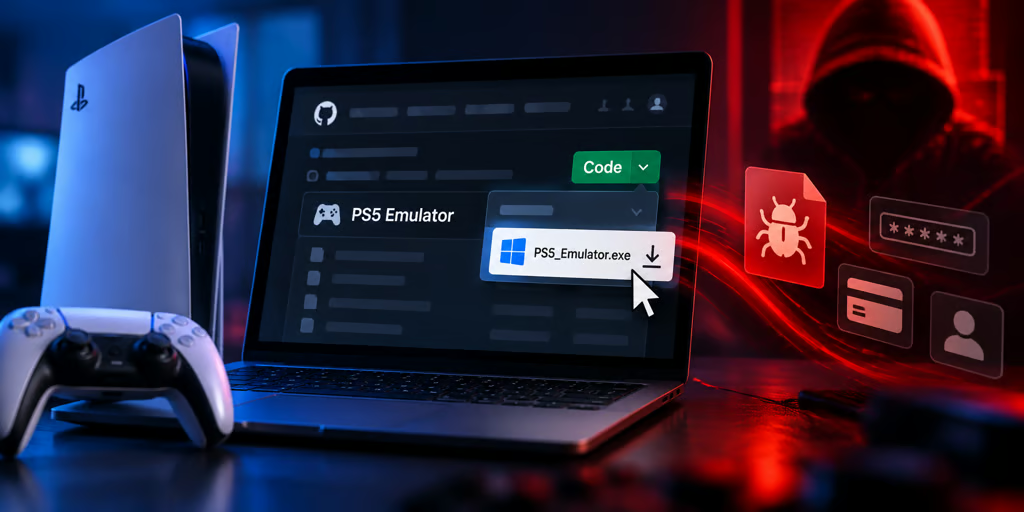
Gamers searching for ways to play PlayStation 5 games on their PCs are being targeted with malware disguised as emulator downloads.
Attackers created look-alike GitHub repositories impersonating PS5 emulator projects such as AnyPS5 and KytyPS5. Instead of delivering working emulation software, the downloads launch a multi-stage infection process designed to evade security analysis and deploy a suspected information-stealing payload.
The campaign highlights how attackers can exploit familiar project names and trusted software-hosting platforms to distribute malicious files without compromising the original developers.
From fake emulator to infostealer: How the attack worked
Researchers at NordVPN first observed the attack, according to PCMag. Per the outlet, the threat targets unsuspecting users looking for unofficial emulators. NordVPN notes via PCMag that the target was particularly apt, given that emulator seekers are used to installing unofficial software.
The attack begins when targets download ZIP files from GitHub repositories impersonating legitimate PS5 emulator projects. The malware first checks whether it is running in a virtual machine or another environment commonly used by security researchers to analyze suspicious software.
It also looks for systems with less than 2GB of RAM, cloud-based environments, and devices without a physical GPU. If any of these conditions are detected, the malware stops running.
If the computer passes those checks, the malware attempts to add its installation path to Microsoft Defender's exclusions, potentially preventing the security software from scanning files in that location.
The loader then executes another executable, which Tom's Hardware says is protected by a commercial software packer. Per Tom's Hardware, this executable is believed to be an infostealer designed to collect sensitive information from infected computers.
The malware not only compromises its victims, but also tries to cover its tracks, making analysis harder when done from an infected device.
Reputation does not equal security
GitHub's reputation as a trusted home for open-source software does not make every project hosted on the platform safe.
Cybercriminals are exploiting this assumption by creating malicious imitations of legitimate projects, banking on users recognizing familiar project names without taking the time to verify who published the software.
The distinction is important because the platform hosting an application and the developer responsible for it are two different things. And this problem isn't exclusive to GitHub; malicious applications have also found ways around Google Play's security checks and the Chrome Web Store's extension review process.
Although AnyPS5 has since warned users about the malicious GitHub page, which PCMags says is now down, users are already falling victim to it, with one victim reporting the incident on Reddit. Such cases show that attackers can exploit the trust users place in these platforms to distribute malicious software without necessarily compromising the original developers.
Gamers should take preventive measures
The campaign specifically targets people searching for PS5 emulators, but the same tactics can affect anyone downloading software from unfamiliar repositories.
Before installing an emulator or other community-developed application, verify that the download comes from the project's official website or developer-maintained GitHub account. Check repository ownership, release history, and links shared through the project's established communication channels.
Be cautious of newly created repositories that imitate well-known projects or offer downloads unavailable through the original developers. Unexpected requests to disable antivirus protection or modify security settings are additional warning signs.
Also watch for applications that request excessive permissions or try to disable security software. Keeping Windows and security software updated and running can help reduce the risk of infection.
If you've already downloaded and executed a malicious file, deleting the download alone may not be enough. Disconnect the affected computer from the internet, run a full security scan, investigate any unexpected Defender exclusions, and change potentially compromised passwords from a separate, trusted device.
Other news: Cathay Pacific has disclosed a data breach at third-party technology provider Amadeus that exposed information from approximately 53,000 flight bookings.