
















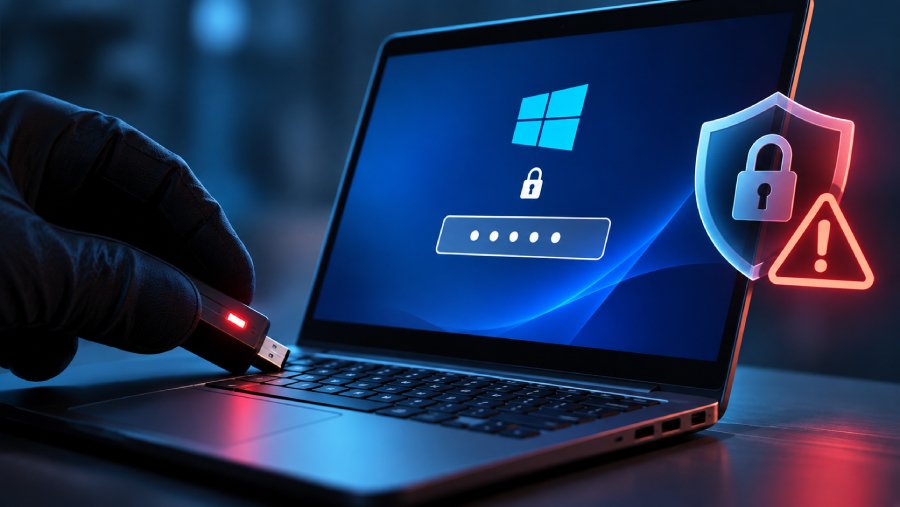
A Trusted Platform Module (TPM) is supposed to make brute-force attacks against Windows Hello and BitLocker PINs significantly harder by tracking failed login attempts and enforcing lockouts. However, research has emerged that has cast doubt on how effective that protection is.
Researchers at Technische Universität Berlin bypassed hardware-enforced PIN lockouts on two Windows laptops, recovering a Windows Hello sign-in PIN on one and a BitLocker startup PIN on the other. The lab demonstrations required physical access and specialized equipment.
AMD confirmed a firmware flaw and plans updates. The separate issue demonstrated on an Intel-based laptop involved a Winbond flash chip, making the exact PC model and its components important when checking for exposure.
Understanding the tech stack in this story
At the center is the Trusted Platform Module (TPM), a component that is essential to several security features associated with Windows, particularly Windows 11. There is also Windows Hello, Microsoft's sign-in system, and BitLocker, its full-disk encryption technology.
Both can rely on the TPM to enforce restrictions against repeated PIN guesses.
Because each failed login attempt is logged, modern computers use a mechanism known as the Replay Protected Monotonic Counter (RPMC) to prevent someone from erasing the record of failed login attempts and starting over.
RPMC basically serves as an integrity checker and uses cryptographic authentication to verify that the counter values are genuine.
Technology | What it does |
|---|---|
TPM | Protects cryptographic keys and enforces security restrictions. |
Windows Hello | Authenticates users signing into Windows. |
BitLocker | Encrypts storage drives against unauthorized access. |
Firmware TPM (fTPM) | Provides TPM security through processor firmware. |
SPI flash | Stores persistent firmware and security information. |
RPMC | Prevents attackers from rolling back saved security information to erase previous failed attempts. |
The researchers found weaknesses in how these protections work together that can allow an attacker to defeat their purpose: locking unauthorized users out of a PC.
How they all connect
The researchers essentially found a way to make a computer forget how many times someone had entered the wrong PIN. They did this by interfering with how the TPM saves and protects its failed-attempt records.
In the first method, they used a small hardware device to intercept communication between an AMD processor and its flash memory, preventing the security counter from updating while making the processor believe the operation had succeeded.
For the second method, they used brief electrical disturbances to extract a secret cryptographic key from certain Winbond flash chips, allowing them to forge valid counter values.
With these protections defeated, they could restore an earlier security state, effectively wiping the record of previous failed PIN attempts and trying again without triggering the usual lockout restrictions.
There is one catch, though: the attack requires physical access to the target computer and specialized hardware. Although this may make the flaw seem less serious, users and enterprises managing PC fleets should still take it seriously.
Good old security advice surfacing again
Hackers hate lengthy passwords, and it is no surprise. The Hacker News recommends that Windows users add at least two more characters to their PINs to make brute-force attempts harder.
That advice, however, extends beyond Windows. Combining uppercase and lowercase letters, numbers, and special characters makes passwords harder to guess, and in situations where lockout timers still work, could save brute-force targets.
Security mechanisms can fail, but making credentials harder to crack remains one of the simplest ways to raise the cost of an attack.
What's the takeaway from this?
For enterprises, the findings expose a weakness in an assumption that often underpins endpoint security: protecting company laptops with authentication is enough to keep their contents safe if the devices fall into the wrong hands.
If an attacker physically accesses a laptop, manipulates its hardware, and bypasses PIN lockout protections, encryption alone may not be enough.
A stolen employee laptop could therefore become an entry point to sensitive customer information, internal documents, and potentially other corporate resources.
Organizations should therefore consider the following:
- Strengthen physical security: Restrict unauthorized access to offices, equipment rooms, and storage areas. Employees should also secure laptops taken home or used while traveling rather than leaving them unattended.
- Review hardware exposure: AMD says it is working on the fix, which would roll out no later than February 2027. IT teams should identify potentially affected AMD systems and computers using vulnerable Winbond flash chips, and keep an eye for when the fix becomes available for each.
- Revisit authentication policies: Meanwhile, IT teams should enforce longer PINs and stronger authentication requirements to make brute-force attempts harder, even if attackers bypass lockout protections.
- Improve stolen-device response: Establish procedures for promptly reporting missing laptops, assessing the data they contain, revoking potentially exposed sessions and credentials, and investigating possible access to corporate information.
Endpoint security cannot depend on encryption or authentication alone. Organizations need multiple layers of protection, from hardware integrity and firmware maintenance to physical access controls and incident response.
The question is not just whether an unauthorized person can get past a laptop's login screen, but what happens when that person gets hold of the laptop itself.
Other news: Oracle released 655 security patches across its enterprise software portfolio, including fixes for 11 Java SE flaws that could be exploited remotely without authentication.