














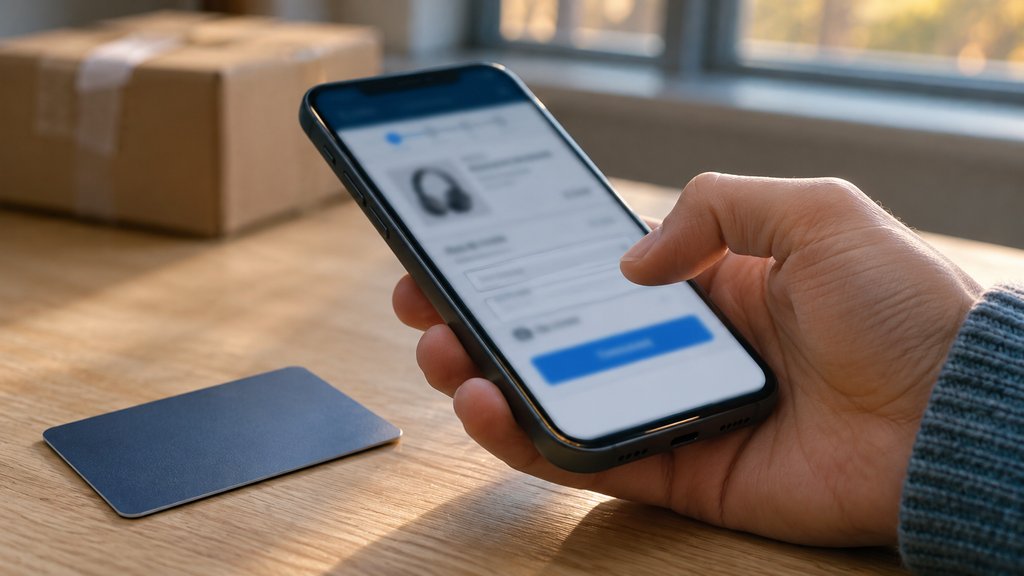
A fake Black Friday store can take your name, email, and address before you even reach the card form.
Cybersecurity firm CloudSEK said Nov. 23 that it linked 4,660 web domains to a fake-shopping platform ahead of Black Friday. The storefronts impersonated retailers including Aldi and Lidl, with pages aimed at shoppers in the US, the UK, and other markets. The figure counts domains the researchers linked to the platform, not shoppers affected or fraudulent purchases.
The easiest time to catch a fake store is before you start filling in the checkout. If you found a deal through an ad, take a minute to see whether the retailer offers it somewhere you can reach without the ad.
Why a familiar logo isn't enough
CloudSEK’s investigation found one storefront that had appeared under 75 different domains. The researchers also observed 3,415 domains tied to the platform in public scan data from Oct. 14 through Nov. 22. That smaller number is part of the broader finding, not a separate network to add to the total.
In a controlled test of one checkout, researchers used dummy information and found that contact details were transmitted before any payment was attempted. They stopped before entering card information. The finding shows why abandoning an order at the payment screen may be too late to protect contact details you’ve already submitted. It does not establish that card data was stolen in that test.
The same problem cropped up in our coverage of a separate fake-store network: copied product images and branding make a page look familiar without telling you who runs it. When the seller can change web addresses but keep the storefront, recognizing the logo is less useful than verifying where the checkout started.
Verify the seller without using the ad
Open a new tab and type the retailer’s known address, or use its official app if you already have it. Search there for the product and compare the exact model, seller, and price. A mismatch doesn’t prove fraud: legitimate offers can be regional, time-limited, or sold through a partner. But if you can’t verify who is selling the item independently, leave the checkout.
| What you see | What to check instead |
|---|---|
| A familiar logo on a web address you don’t recognize | Find the offer from the retailer’s own site or app. If it points to another seller, verify that seller separately. |
| A padlock beside the address | HTTPS protects the connection; it doesn’t prove the seller is legitimate. Check the address and who is taking the payment. |
| A delivery or refund text after you shop | Check your order from the merchant’s site or the carrier’s official tracking page, not the link in the message. |
The FTC’s shopping guidance recommends checking return terms and paying by credit card when possible. Treat unexpected delivery texts as a separate verification step: even if you’re actually expecting a package, that doesn’t establish who sent the message.
What to do if you already used the checkout
Start with what you shared. A click, a password submission, and a card payment call for different responses.
- Opened the page but didn’t submit anything: Close it and check the deal separately. If the page prompted you to install something and you did, follow the malware steps in the FTC’s recovery guide below.
- Entered card details or paid: Call the issuer using the number on your card or its official app, even if a charge hasn’t posted. Explain what you entered, ask whether the card should be replaced, and follow the card's instructions to dispute any charges.
- Entered a password: Change it on the legitimate site and on any other account where you reused it. Turn on multifactor authentication where available. If it was a work password, notify IT through your normal reporting channel.
- Submitted contact details only: Be alert for follow-up phishing about deliveries, refunds, or payment verification. Check any message that asks for money or a code against the original order in your account.
Save any receipts, messages, or screenshots you already have, without going back to the suspect site. US shoppers can use the FTC’s scam recovery guide to find the right steps for reporting. The next message may know what you ordered; that’s a reason to verify it independently, not a reason to trust it.
Related reading: See how fake Winter Olympics shops used a different deadline to lure shoppers.